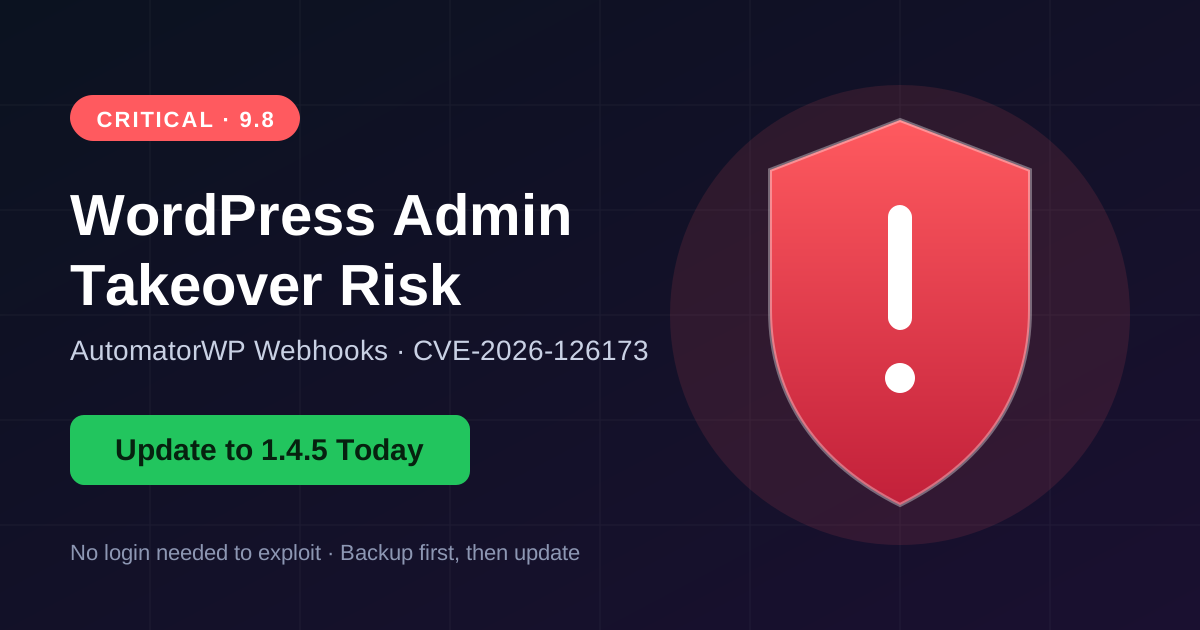

A critical flaw (CVSS 9.8) in the AutomatorWP Pro Webhooks add-on lets an attacker change any account’s password, including the admin’s, without logging in. The risk exists only if your site uses a Receive Webhook trigger together with an Update User action. Follow these steps to secure your site.
Step 1: Check Your Plugin Version
Go to Plugins > Installed Plugins in your dashboard and find AutomatorWP Webhooks. If the version is 1.4.4 or lower, you need to update.
Step 2: Take a Full Backup
Back up your files and database before changing anything. Use your hosting panel or a backup plugin.
Step 3: Update the Plugin
Update AutomatorWP Webhooks to version 1.4.5 or newer. Then clear your site cache.
Step 4: Look for Unknown Admins
Open Users > Administrators. Delete any account you do not recognize, and reset passwords for admin accounts you do not trust.
Step 5: Review Your Automations
Open AutomatorWP and check every automation that uses the Receive Webhook trigger. If an Update User action has a blank User ID field and a mapped password, fix it or disable the automation.
Step 6: Add Extra Protection
- Use strong, unique admin passwords.
- Enable two-factor authentication.
- Run a malware scan.
- Check your login and activity logs.
Bottom line: Updating and reviewing your automations takes only a few minutes and can save your entire site. Do it today.