

NGINX Vulnerabilities CVE-2026-123007 and CVE-2026-123633: How to Fix Them
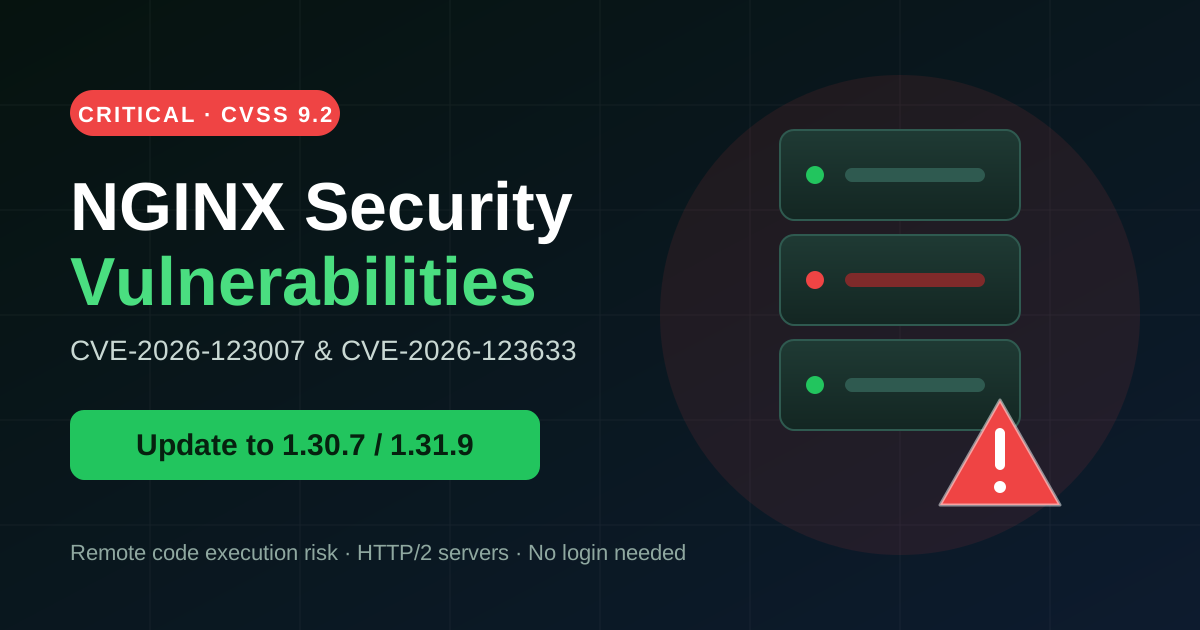
NGINX powers a huge share of websites worldwide, so a security flaw in it is never a small matter. Two critical vulnerabilities, CVE-2026-123007 and CVE-2026-123633 (CVSS 9.2), have been reported. Under certain conditions, an attacker could run malicious code on your server without logging in.
What Is the Risk?
Both flaws mainly affect servers with HTTP/2 enabled. Because exploitation needs no authentication, anyone on the internet could attempt it against an exposed server. If an attacker succeeds, the consequences can be severe:
- Remote code execution: the attacker runs their own commands on your server.
- Data theft: customer data, databases and configuration files can be exposed.
- Website defacement or malware injection: your pages can be altered to spread malware.
- Full server takeover: the server can be used for spam, crypto mining or attacks on others.
- SEO and reputation damage: a hacked site can be blacklisted by search engines.
How to Fix It: Step by Step
Step 1: Check Your NGINX Version
Log in to your server via SSH and run:
nginx -vIf your version is below 1.30.7 (Stable) or 1.31.9 (Mainline), your server is vulnerable.
Step 2: Back Up Your Configuration
Before updating, copy your NGINX configuration so you can restore it if needed:
sudo cp -r /etc/nginx /etc/nginx-backupStep 3: Update NGINX
On Ubuntu or Debian:
sudo apt update
sudo apt install --only-upgrade nginx
On CentOS, AlmaLinux or Rocky Linux:
sudo dnf update nginxStep 4: Test and Reload
Check that your configuration is valid, then reload the service:
sudo nginx -t
sudo systemctl reload nginx
Run nginx -v again to confirm you are on the patched version.
Step 5: Check Whether HTTP/2 Is Enabled
grep -r "http2" /etc/nginx/If you see results, HTTP/2 is active on your server, so updating is urgent.
Extra Security Tips
- Turn on automatic security updates for your server.
- Monitor access and error logs for unusual requests.
- Use a firewall or WAF to filter malicious traffic.
- If you use a control panel or managed hosting, ask your provider whether they have applied the patch.
Final Words
Critical vulnerabilities in a web server are exploited quickly once they become public. Checking your version and updating takes only a few minutes, and it protects your data, your visitors and your search rankings. Do not wait: check your NGINX version today.